

Article format guide
A showcase of every frontmatter field and content pattern
This article demonstrates every frontmatter field and content pattern supported by the Astro writing template. Use it as a reference when authoring new posts.
Frontmatter fields
Articles are defined in src/content/articles/ and validated by the schema in src/content.config.ts. The following fields are available:
| Field | Required | Description |
|---|---|---|
title |
Yes | Shown in the title card and page <title> |
subtitle |
No | Shown below the title in the title card |
date |
Yes | Used to sort articles on /writing (newest first) |
tags |
No | Rendered as links in the title card |
bannerIcons |
No | Icon URLs shown in the article hero and writing card |
colorBackground |
No | Hero background, card background, gradient start (default: #2b2b2b) |
colorPrimary |
No | Link underlines and accent color (default: #ffffff) |
colorSecondary |
No | Subtitle color and gradient middle (default: #767676) |
heroImage |
No | Article hero banner and listing card thumbnail when bannerIcons is empty |
draft |
No | Set to true to hide from /writing (default: false) |
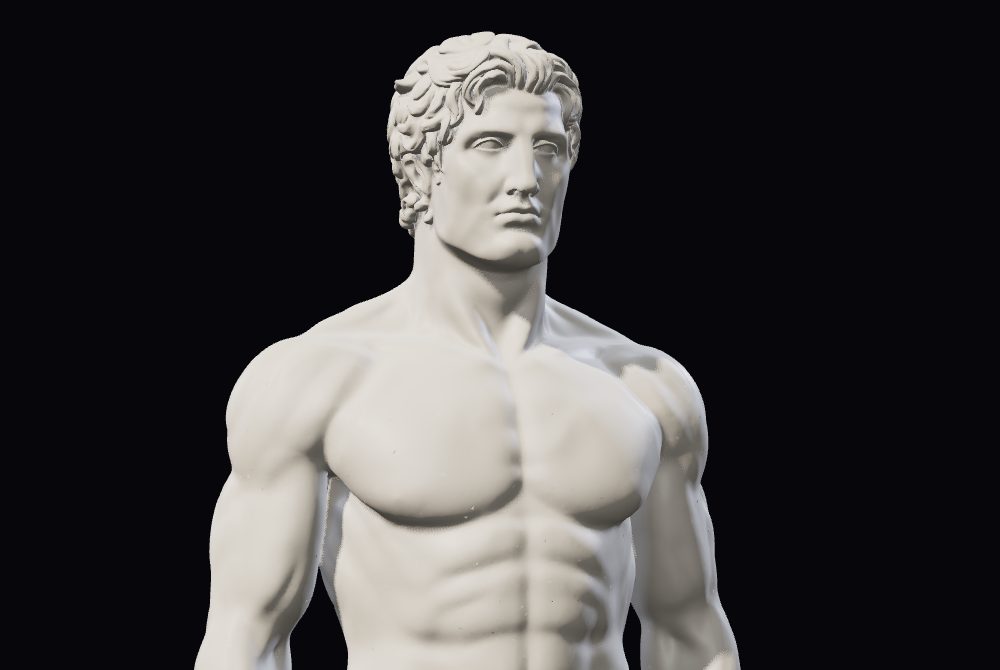
This article uses bannerIcons for the hero. If you omit bannerIcons and provide heroImage instead (e.g. heroImage: "/images/statue-render.jpg"), the image fills the article hero banner and appears as the thumbnail on the writing listing page.
Typography
Paragraphs support bold text, italic text, and inline code. Links like Astro get a hover underline styled with the article’s colorPrimary.
Headings
Heading level 4
Heading level 5
Heading level 6
Lists
Unordered list:
- First item
- Second item with bold
- Third item with a link
Ordered list:
- Step one
- Step two
- Step three
Blockquote
Good design is as little design as possible. Less, but better — because it concentrates on the essential aspects, and the products are not burdened with non-essentials.
Code samples
Fenced code blocks are syntax-highlighted by Astro (Shiki). Use a language tag after the opening fence:
export function greet(name) {
  return `Hello, ${name}!`;
}
type Article = {
title: string;
date: Date;
tags: string[];
};npm run dev{
"draft": false,
"tags": ["astro", "markdown"]
}Article images
Standard Markdown images render without the gradient frame. To get the styled image wrapper, use raw HTML with the article-image class:
GFM extras
Astro enables GitHub Flavored Markdown via remark-gfm. These features work but have no dedicated article styles yet:
| Feature | Supported | Custom styles |
|---|---|---|
| Tables | Yes | No |
| Strikethrough | Yes | No |
| Task lists | Yes | No |
Strikethrough example: deprecated API.
Task list example:
- Frontmatter configured
- Code samples added
- Your article here
Not supported
The previous Gatsby site supported GitHub Gist embeds, CodeSandbox iframes, and video blocks via Contentful rich text. These are not available in the current Astro Markdown pipeline. Use fenced code blocks and static images instead.